Animation
I f you want you can animate your tag
the animation and the explications are here : in French
index
https://www.lesdouceursdecloclo.com/
divers_effets
bulles_champagne there are 3 methods
I translate the third method
1) Open Animation Shop
2)
open bubble GIF (4 layers)
3) Back on PSP on your tag, verify if you have written the credits
here is my copy merged, as you can see I supprim the tube
because it was in front of the glasses

beware close all the elements in front of the glasses
Edit<<< copy special<<<<< copy merged
4) back on AS, paste your copy merged
5)select, duplicate <<< 4 layers
6)sélect all
7) back on the bubble gif, select all , copy
8)back on the 4 layers of your tag,
beware to be on the first frame , exactly
where you will place the bubbles
9)paste on the selected frame
10) Do it a second time if you want bubbles in both glasses
11) Back to PSP, open your tube and all the elements you
need
Edit<<< copy special<<<<< copy merged
12) Back to AS, select, duplicate 4 times
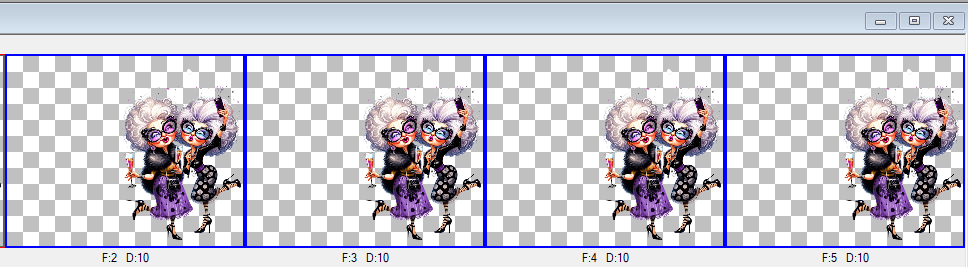
13) back on your tag,
beware to be on the first frame , exactly where you
will place your tube
14)paste on the selected frame
Save as, (gif), frame properties 20