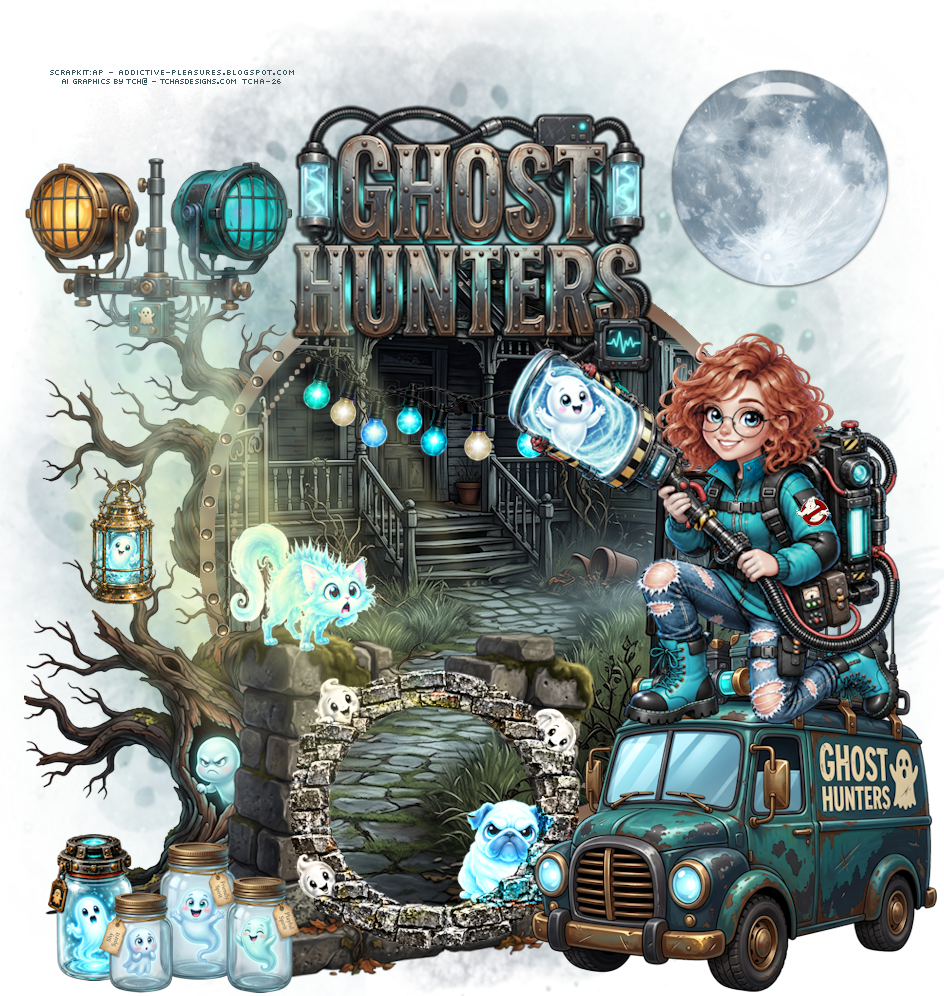
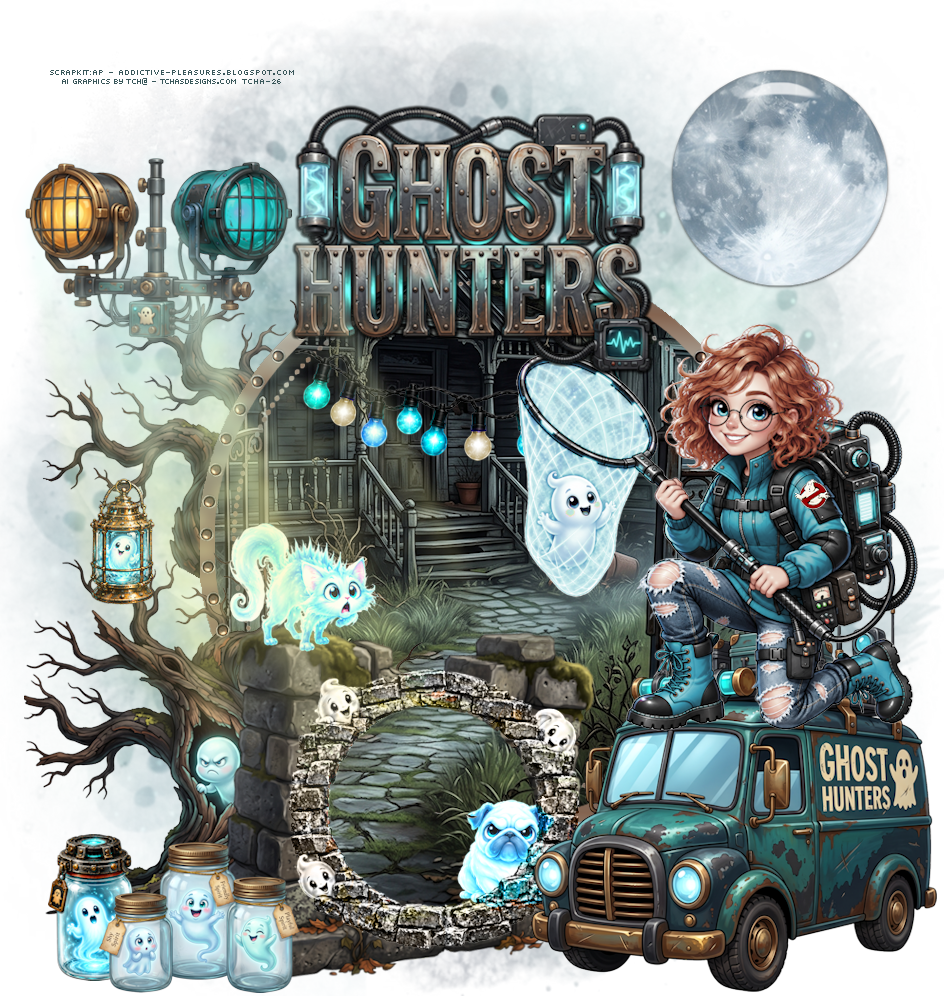
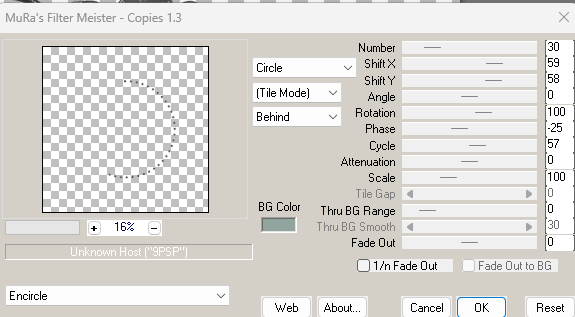
Ghost Hunters-wall1, 75%
lower left side
Ghost Hunters-frame15, 41%
place on the wall
mode luminance
dont merge
close all the frames and the wall
open the layer of the
frame15
with the magic wrand, expand a bit, select the hole in the
frame15
open
the layer of the wall and supprim the
bricks
].png)
keep the selection
paste
Ghost Hunters-paper1, invert, supprim
bien placer le chemin
].png)
hide behind the wall, in the hole, right side
Ghost Hunters-vehical2, 55%
place in front of the wall, on the right side
Ghost Hunters-tree1, 75%, miroir
behind the wall, left side
duplicate
place the copie above the first tree
].png)
Ghost Hunters-wordart1, 50%
place on the upper side of the tag
Ghost Hunters-stringlights1, 35%,
hang in the wordart
Ghost Hunters-lantern1, 30%,
hang in the tree
Ghost Hunters-jar1 (locked jar),
25%, mirror, place at the bottom of the 1st
tree on the left
Ghost Hunters-jars1 (3 jars ), 25%, place in front
of the locked jar
open
tcha26_lunemoon1.png, place upper right side of the
tag
Ghost Hunters-lights1, 35%
place at the top of the tree
supprim the lamp base, I colorize in blue the right lamp
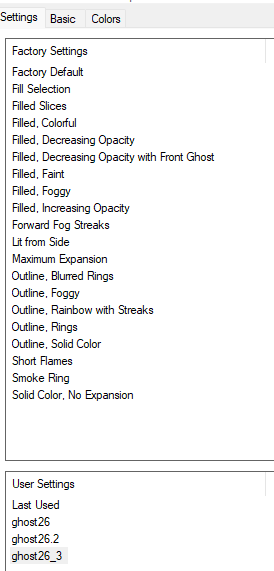
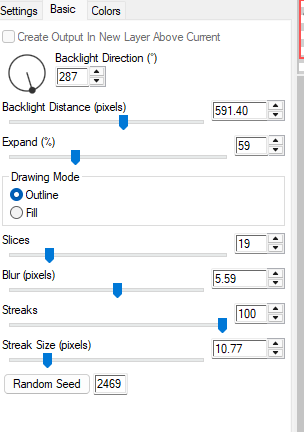
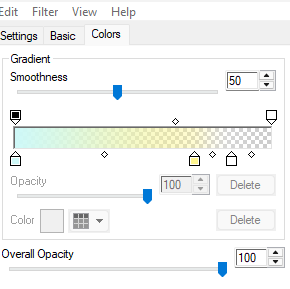
Eye candy 5 Impact : Backlight
Install the preset ghost26_3.f1s in Alienskin Eye candy 5
Impact